Best Cameras for Streaming
Upgrade your stream with professional video quality. From budget-friendly webcams to DSLR setups, find the perfect camera for your streaming needs and budget.
Prices and picks checked . Prices move — treat them as a guide, not a quote.
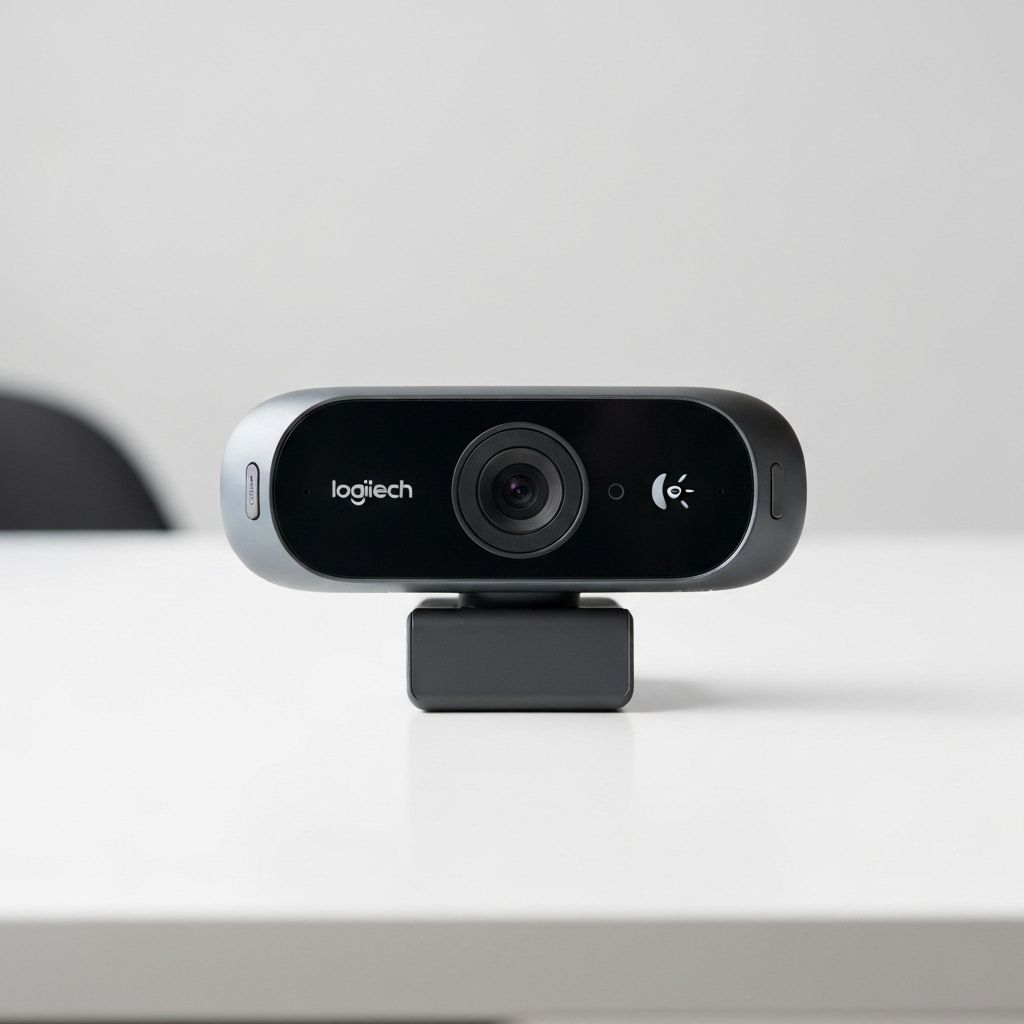
Logitech C920
Webcam1080p 30fpsThe gold standard for streaming webcams with reliable performance, good low-light capability, and wide compatibility.
$70
Buy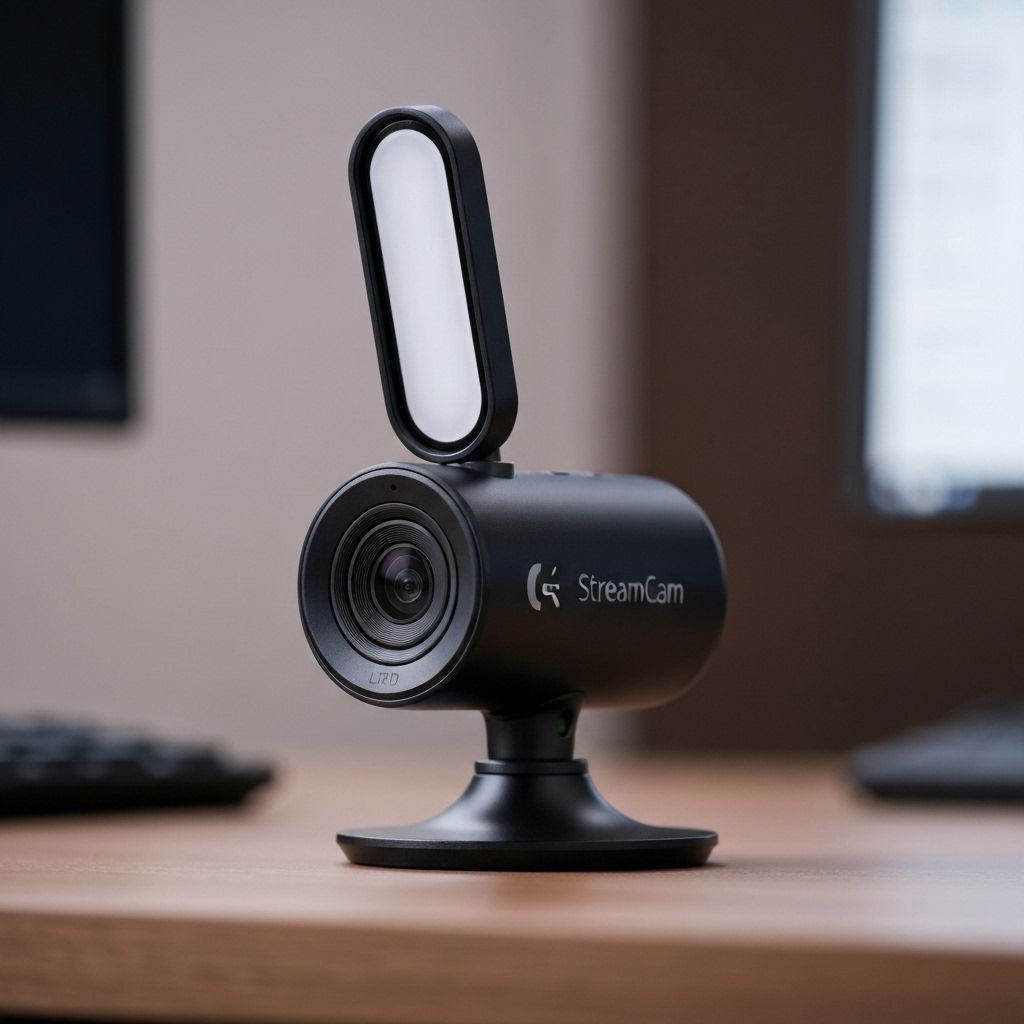
Logitech StreamCam
Webcam1080p 60fpsModern streaming webcam with 60fps capability, USB-C connection, and AI-powered auto-framing for dynamic shots.
$164
Buy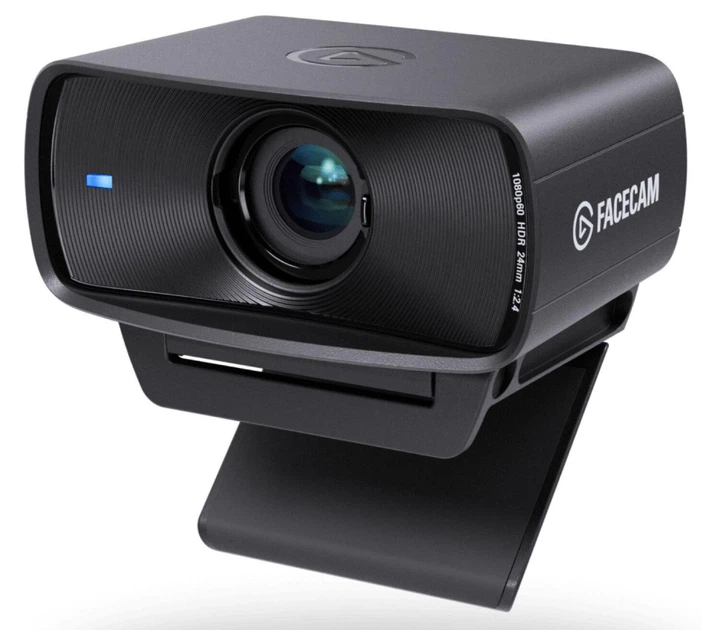
Elgato Facecam MK.2
TOP PICKWebcam1080p 120fpsThe streamer-first webcam refined: uncompressed 1080p up to 120 fps, better low-light performance, HDR, and onboard memory that stores your image settings in the camera itself.
$149
Buy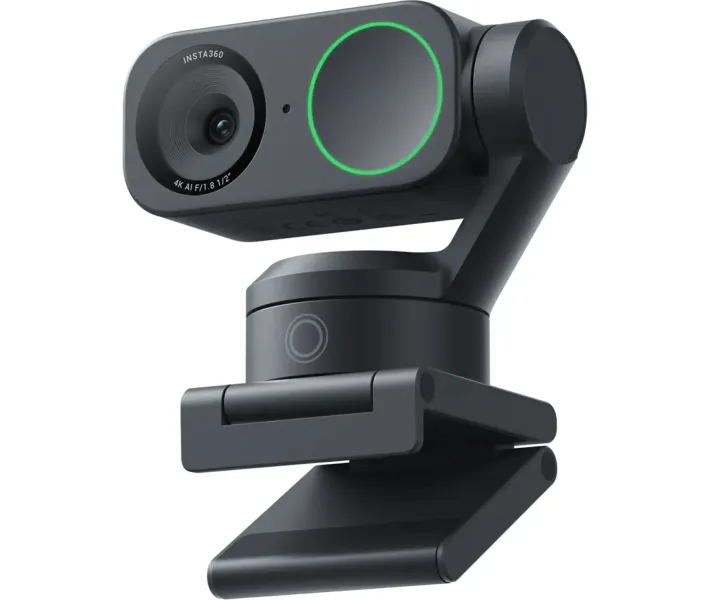
Insta360 Link 2
AI PTZ Webcam4K 30fpsGimbal-mounted 4K webcam with best-in-class AI tracking that physically follows you, gesture controls, and strong low-light image — ideal for creators who move around on camera.
$199
Buy
OBSBOT Tiny 3
AI PTZ Webcam4K 30fpsUltra-compact AI-powered 4K PTZ webcam with 1/1.28" CMOS sensor, spatial audio, AI Tracking 2.0, and Stream Deck integration.
$349
BuyOBSBOT Tiny 3 Lite
AI PTZ Webcam4K 30fpsAffordable AI-powered 4K PTZ webcam with 1/2" CMOS sensor, five audio modes with noise cancellation, and AI Tracking 2.0.
$229
Buy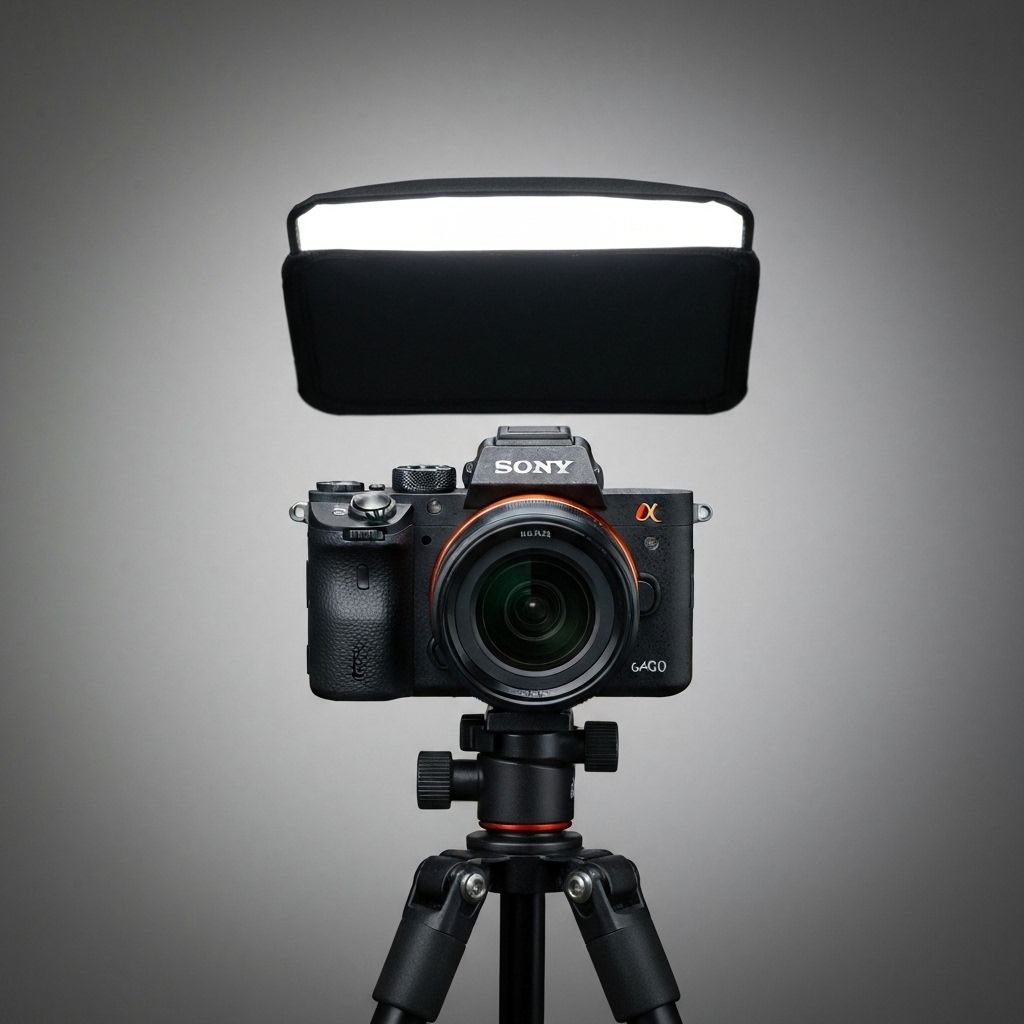
Sony A6400
Mirrorless Camera4KProfessional mirrorless camera with exceptional image quality, fast autofocus, and interchangeable lens system.
$898
Buy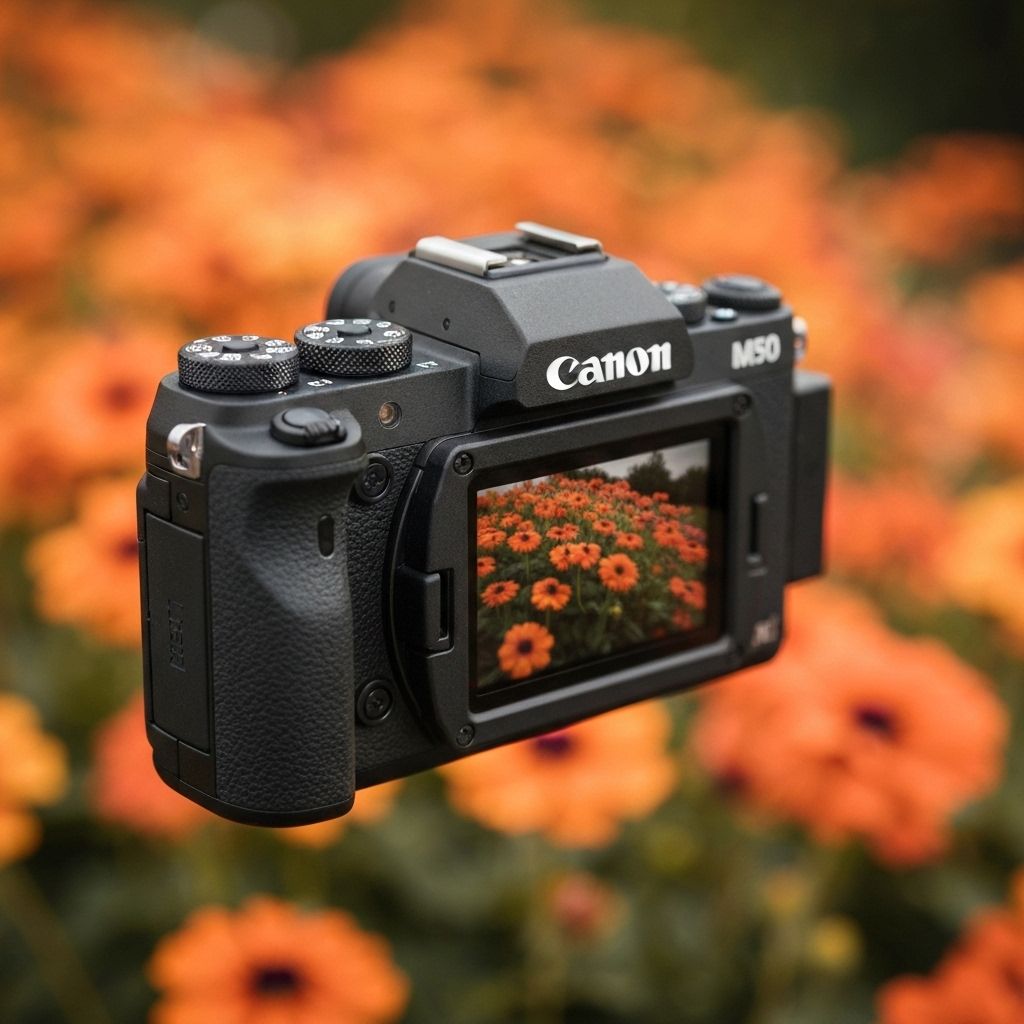
Canon M50 Mark II
Mirrorless Camera4KVersatile mirrorless camera with clean HDMI output, flip screen, and excellent autofocus for streaming.
$699
Buy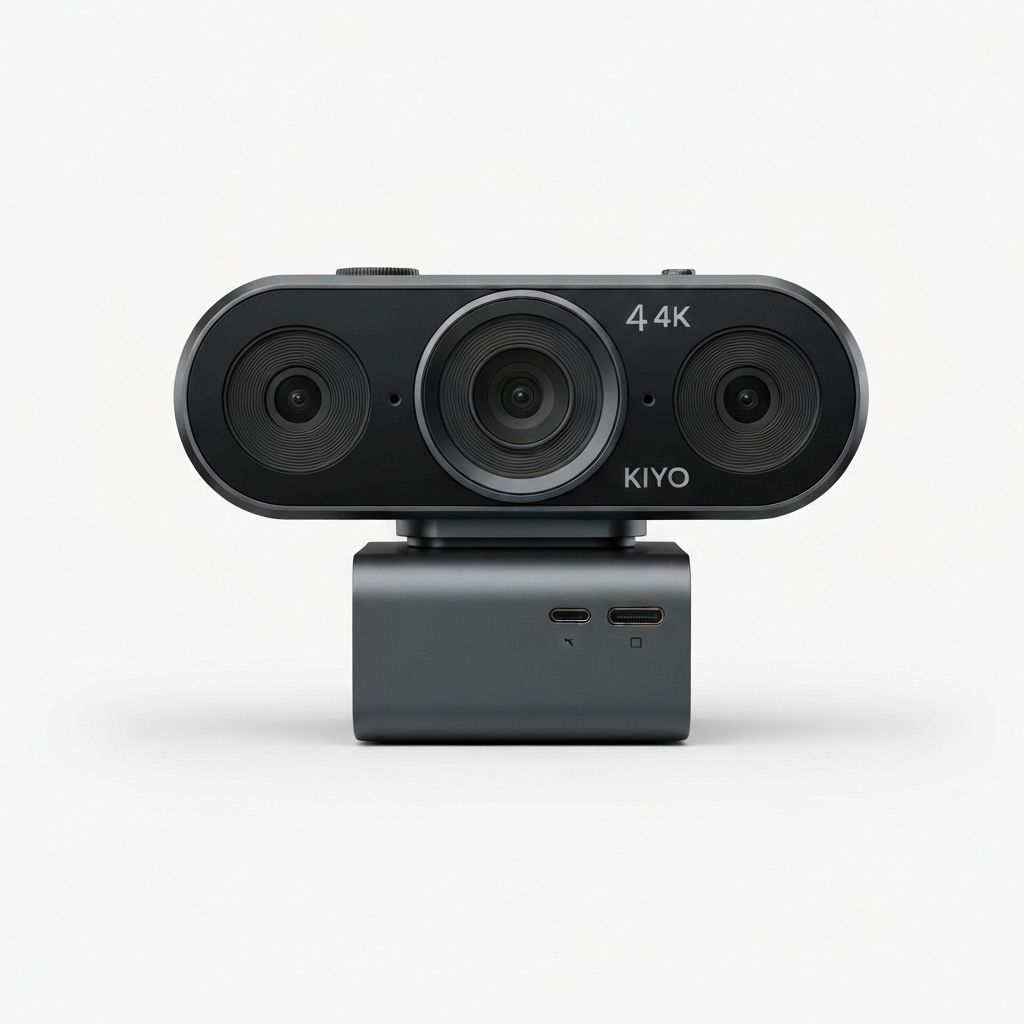
Razer Kiyo Pro
Webcam1080p 60fpsPremium webcam with large sensor for superior low-light performance and adjustable field of view.
$178
Buy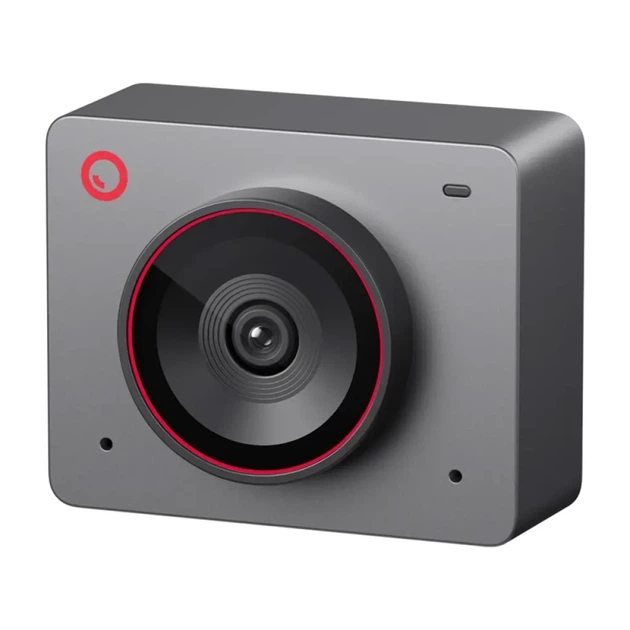
OBSBOT Meet 2
Webcam4K 30fpsTrue 4K webcam with a large 1/2-inch sensor and AI framing for under $100 — the best budget 4K pick of 2026 for desk streamers.
$99
BuyQuick Comparison
| Product | Type | Resolution | Price | Best For |
|---|---|---|---|---|
| Logitech C920 | Webcam | 1080p 30fps | $70 | Budget streamers |
| Logitech StreamCam | Webcam | 1080p 60fps | $164 | Active streamers |
| Elgato Facecam MK.2 | Webcam | 1080p 120fps | $149 | Quality-focused streamers |
| Insta360 Link 2 | AI PTZ Webcam | 4K 30fps | $199 | Creators who move on camera |
| OBSBOT Tiny 3 | AI PTZ Webcam | 4K 30fps | $349 | AI tracking enthusiasts |
| OBSBOT Tiny 3 Lite | AI PTZ Webcam | 4K 30fps | $229 | Budget AI tracking |
| Sony A6400 | Mirrorless Camera | 4K | $898 | Professional setups |
| Canon M50 Mark II | Mirrorless Camera | 4K | $699 | Aspiring professionals |
| Razer Kiyo Pro | Webcam | 1080p 60fps | $178 | Low-light environments |
| OBSBOT Meet 2 | Webcam | 4K 30fps | $99 | Budget 4K quality |
Frequently Asked Questions
What camera do most Twitch streamers use?
Most streamers start with a webcam — the Logitech C920 remains the budget classic, while the Elgato Facecam MK.2 and OBSBOT Tiny 3 are the current mid-range favorites. Big channels often upgrade to a mirrorless camera like the Sony A6400 with a capture card.
Is 1080p enough for streaming, or do I need 4K?
1080p at 60 fps is more than enough — Twitch caps most streams at 1080p anyway, and your face-cam usually occupies a small corner of the screen. 4K sensors still help because they capture more light and allow lossless punch-in cropping.
Do I need a capture card for a mirrorless or DSLR camera?
Usually yes — an HDMI capture card (like the Elgato HD60 X or Cam Link) turns the camera's clean HDMI output into a webcam signal. Some cameras also support USB webcam mode natively, but with lower quality and higher latency.
What makes AI-tracking webcams like OBSBOT special?
Cameras like the OBSBOT Tiny 3 and Insta360 Link 2 sit on a motorized gimbal and physically follow you as you move, keeping you framed without a camera operator — great for cooking streams, music, fitness, and IRL-style content.
Why does my webcam look grainy at night?
Small sensors need light. Before upgrading the camera, add a key light — even a $30–60 LED panel will improve image quality more than a $200 webcam upgrade. Lock exposure and white balance in the camera software to avoid flicker.
Related Gear Categories
Webcam vs DSLR/Mirrorless
Webcams offer simplicity and affordability with plug-and-play functionality. They're perfect for most streamers and provide excellent value. DSLR and mirrorless cameras deliver superior image quality with depth of field control and low-light performance, but require capture cards and additional setup. Consider webcams for ease of use or cameras for professional-grade video quality.
Camera Setup Tips
Position your camera at eye level for the most flattering angle. Ensure adequate lighting to maximize image quality. For DSLR/mirrorless setups, you'll need a capture card like the Elgato Cam Link 4K to connect to your streaming PC. Always use manual focus during streams to prevent autofocus hunting, and consider a dummy battery for continuous power during long streams.