Back-to-School Streaming Setup 2026: Best Budget Gear for Students
By Dan Whitfield··6 min read
Heading back to campus and want to start streaming? You don't need a four-figure battlestation. A dorm-friendly setup that looks and sounds genuinely good costs about the same as a pair of textbooks — and every piece here doubles for lectures, group calls and content. Below is the exact kit we'd buy on a student budget in 2026, plus a clear path to level up when you're ready.
The Dorm Starter Kit (~$230)
Three purchases turn a laptop into a real stream: a USB microphone, a webcam, and a light. In that order. Viewers forgive a soft picture but leave instantly on bad audio, so the mic comes first — and a cheap light does more for your image than an expensive camera ever will.
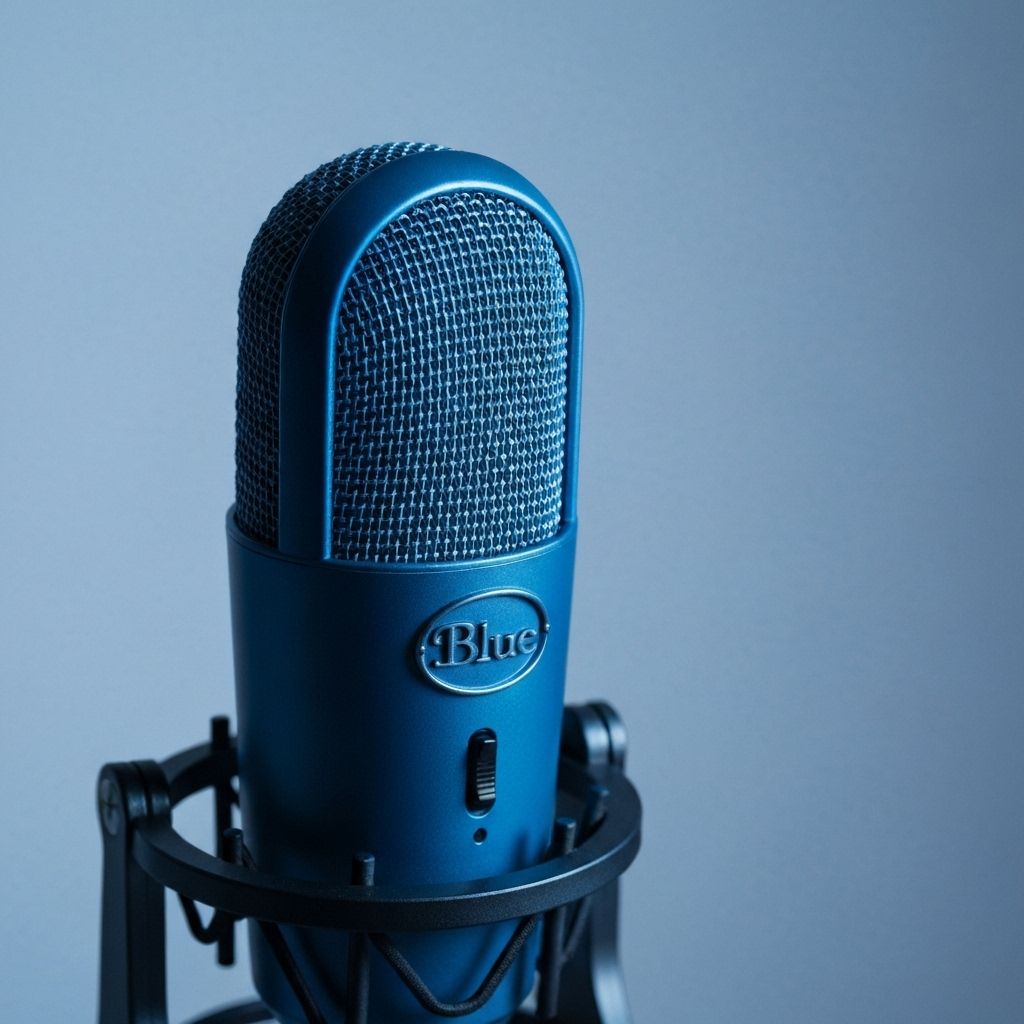
Logitech Yeti (Blue)
TOP PICKUSB MicPlug-and-play USB condenser with multiple pickup patterns — plug it into a laptop and sound instantly better than any headset. The safe first mic.
$129
Buy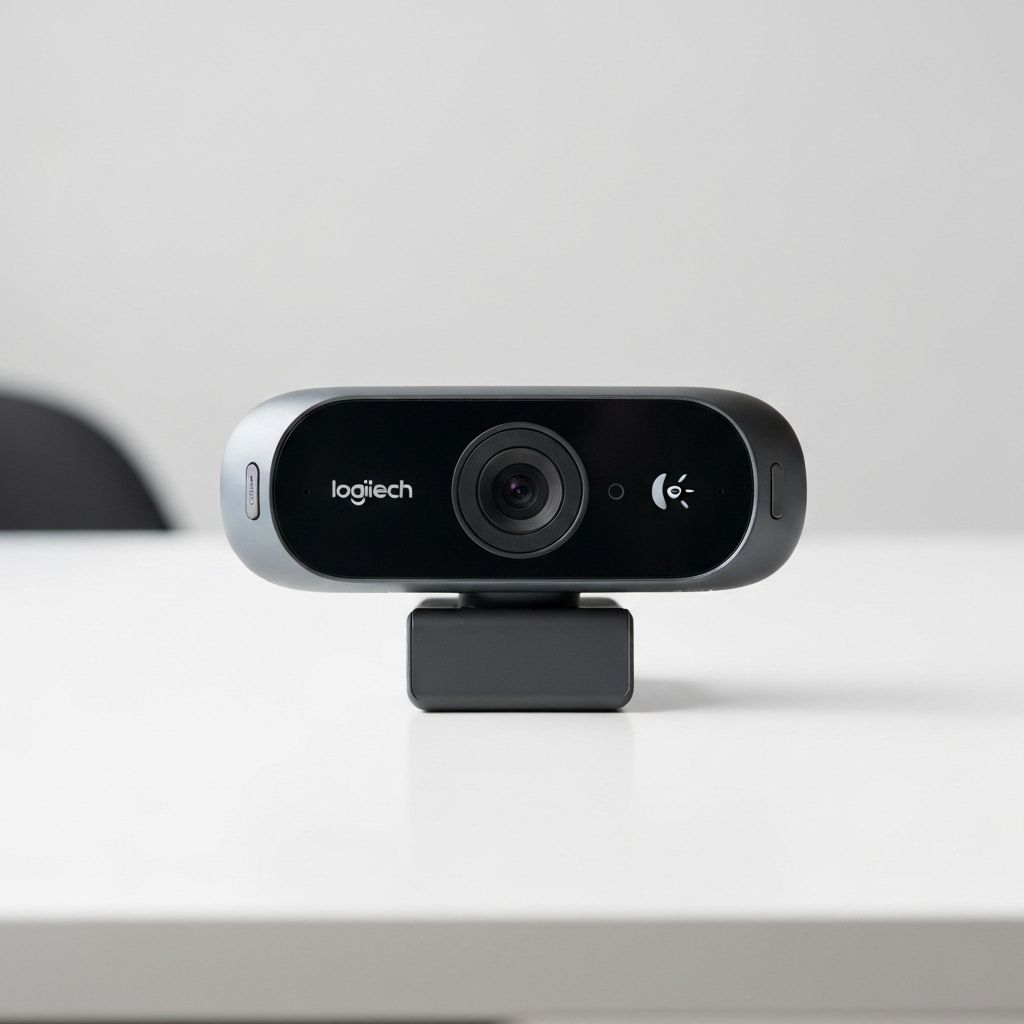
Logitech C920
WebcamThe webcam that has launched a million channels. Reliable 1080p, works on any OS, and cheap enough to pair with a light instead of a pricier cam.
$70
Buy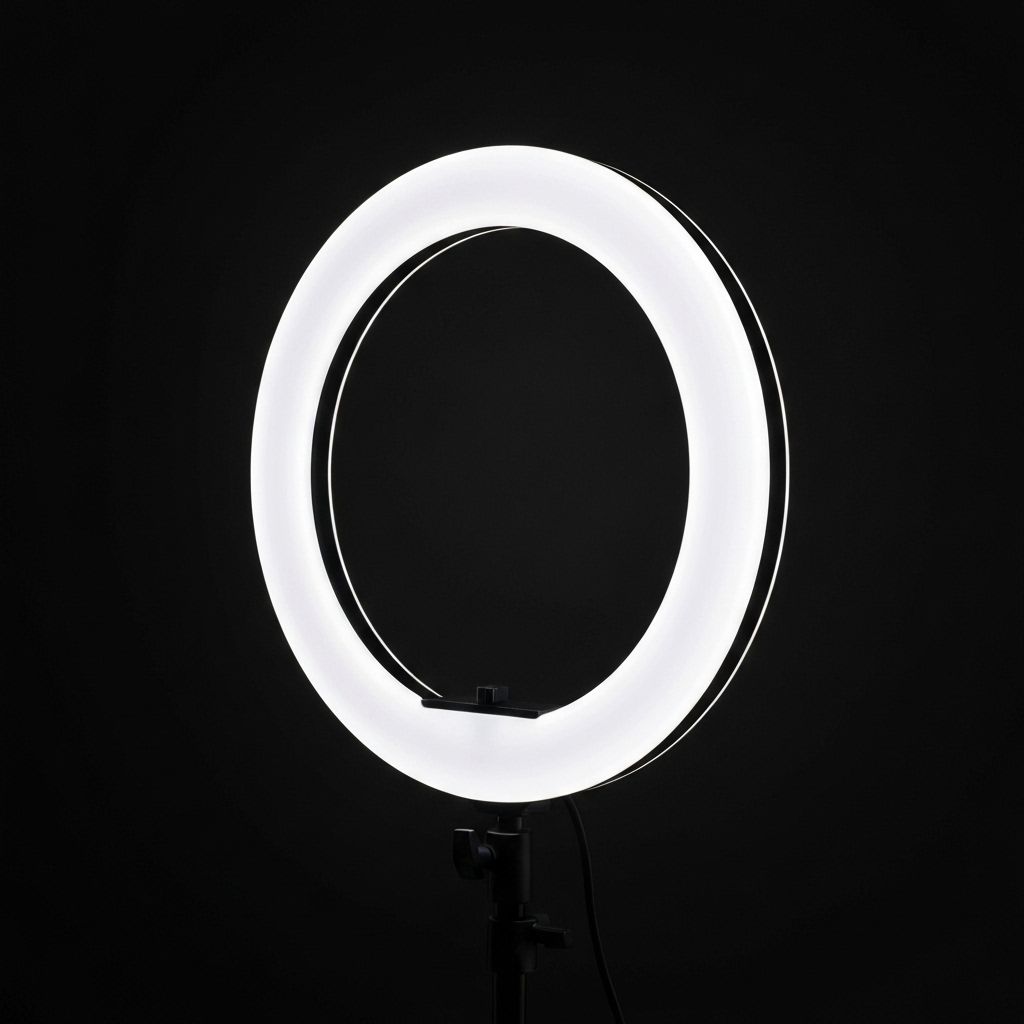
Neewer Ring Light
LightingGood lighting beats an expensive camera every time. This budget ring light fixes the number-one dorm problem: a dim, grainy picture at night.
~$40
BuyAdd free OBS Studio for broadcasting and you're live. Total: roughly $230 — and the webcam and mic instantly upgrade your class calls too.
The Level-Up Kit (~$480)
Once streaming sticks and you want a sharper, more professional look, these are the upgrades that pay off. You don't need all four at once — add them one paycheck at a time, starting with lighting and a 4K camera.
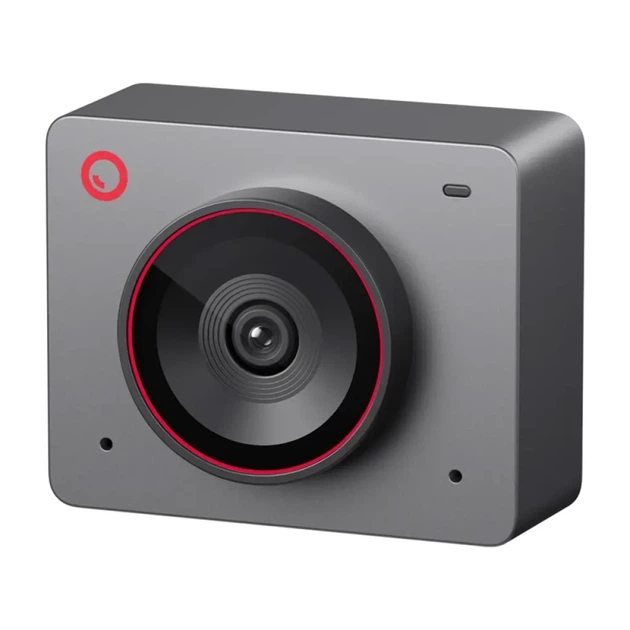
OBSBOT Meet 2
TOP PICK4K WebcamTrue 4K with AI auto-framing in a palm-sized body — the best sub-$150 webcam of 2026. Keeps you centered even when you lean back or move around.
$129
Buy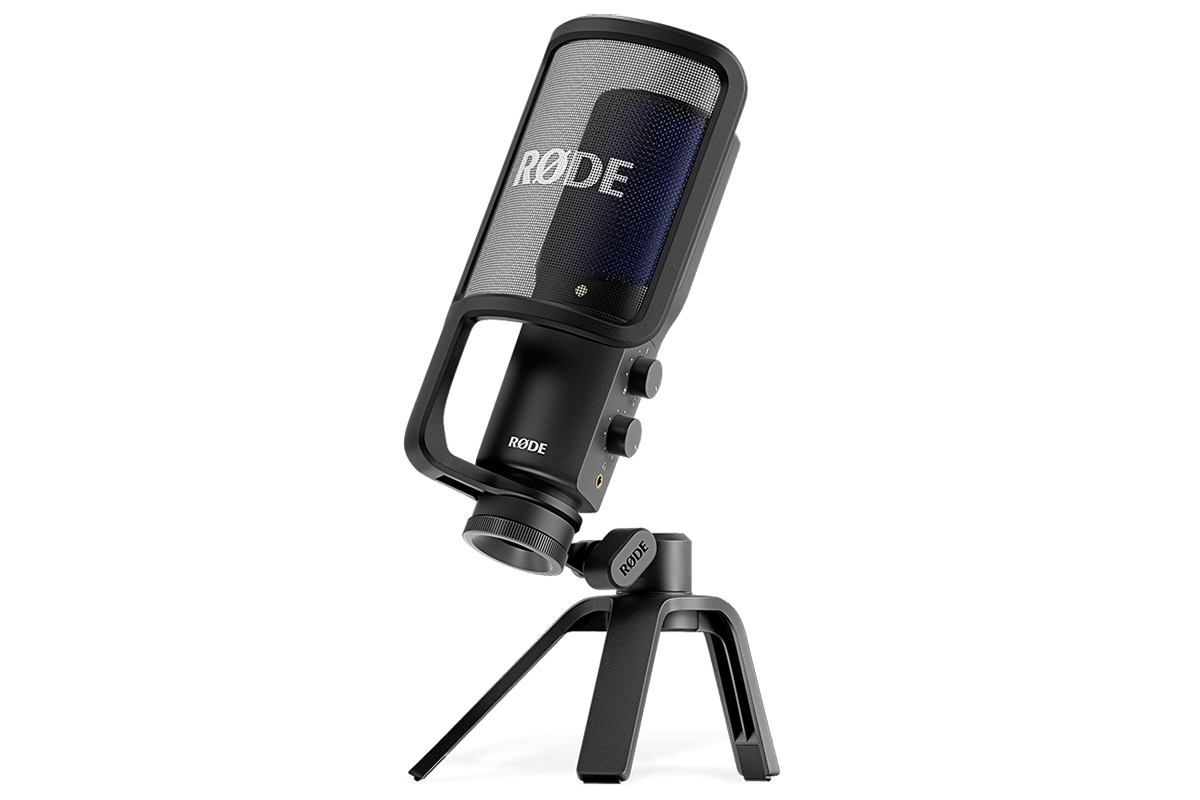
RODE NT-USB+
USB MicA studio-grade USB mic with a built-in preamp and zero-latency monitoring — a clean step up from the Yeti when your voice is the product.
$169
Buy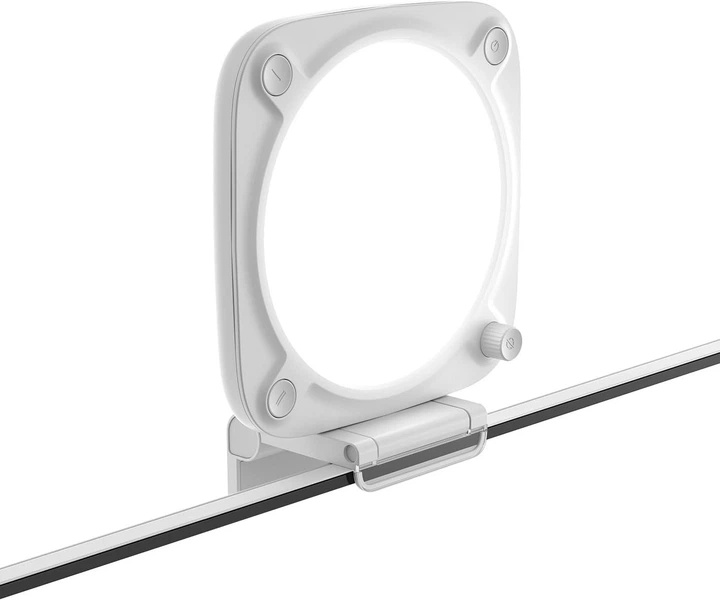
Elgato Key Light Neo
Key LightMonitor-mounted, app-controlled, flicker-free — the same clean image at 2pm or 2am. The single upgrade most viewers actually notice.
$89
Buy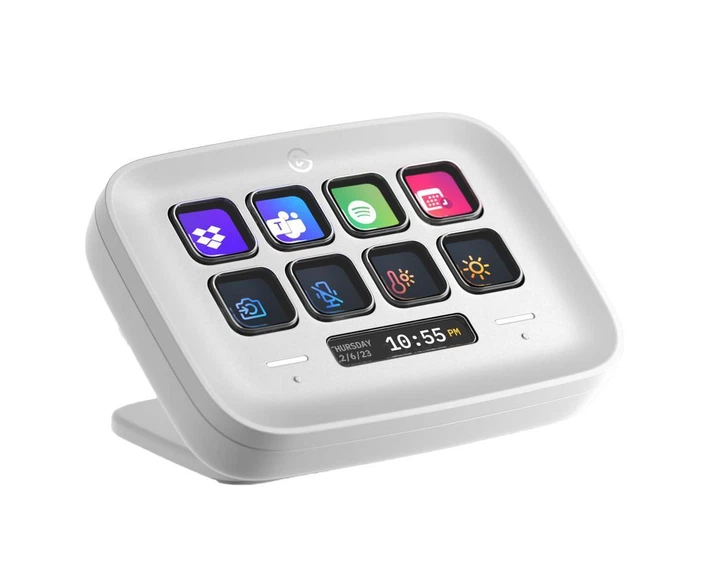
Elgato Stream Deck Neo
Control PadEight LCD keys to switch scenes, mute your mic, and fire alerts without alt-tabbing mid-stream — a huge quality-of-life jump once you go live regularly.
$99
BuyDorm-Specific Tips
- Wire in if you can. Campus Wi-Fi is shared and often throttles streaming — a cheap Ethernet cable to the wall port is the most reliable upgrade you can make.
- Mind your roommate. Keep mic gain low, sit close, and turn on OBS noise suppression. Always use headphones, never speakers, to avoid echo and audio bleed.
- Light your face, not your wall. Put your key light slightly above eye level and off to one side — never behind you (a bright window behind you turns your face into a silhouette).
- Check the house rules. Some dorms and campus networks restrict streaming or block ports; a quick test stream saves a bad first broadcast.
- Everything here does double duty. The same mic, cam and light make you look sharp in lectures, interviews and group projects — easy to justify the spend.
Frequently Asked Questions
What is the cheapest way to start streaming at college?
You can start with nothing but your laptop and free OBS Studio. The first paid upgrade that actually matters is audio — a USB mic like the Logitech Yeti. Add a $40 ring light before you spend on a fancy camera, because lighting improves your picture more than megapixels do.
How much should a student streaming setup cost?
A solid dorm starter kit — USB mic, budget webcam and a ring light — comes in around $230 total, and every piece works for class calls and content alike. A level-up kit with a 4K webcam, a studio USB mic, a key light and a Stream Deck lands around $480.
Do I need a capture card or a second PC to stream?
No. Modern laptops and any recent NVIDIA GPU handle single-PC streaming with the built-in NVENC encoder. You only need a capture card if you want to stream a console (PlayStation or Xbox) through your computer.
How do I stream in a dorm without disturbing my roommate?
Use a dynamic USB mic or a headset with a boom, keep the gain low and sit close to the mic so it rejects room noise, and enable noise suppression in OBS. Headphones (not speakers) prevent echo and keep game audio to yourself.
Is dorm Wi-Fi fast enough to stream?
Often yes for 720p–1080p, but campus Wi-Fi can be congested and block streaming ports. A wired Ethernet connection is far more stable. Aim for at least 6 Mbps of consistent upload for 1080p, and test with a short private stream first.
Which platform is best for a student just starting out?
TikTok Live and YouTube have the easiest discovery for brand-new creators, while Twitch is strongest for building a regular gaming community. The same gear works for all three, so pick the platform where your friends and audience already hang out.
Related
As an Amazon Associate, Streamer.Guide earns from qualifying purchases. Prices and availability may vary.