Best Gaming Keyboards & Mice for Streaming
Streaming adds one requirement gamers don't have: your keyboard is a few centimetres from a live microphone. These are the keyboards and mice worth buying in 2026 — Hall-effect boards that stay out of your audio, ultralight wireless mice the pros actually use, and honest budget picks from $40.
Prices and picks checked . Prices move — treat them as a guide, not a quote.
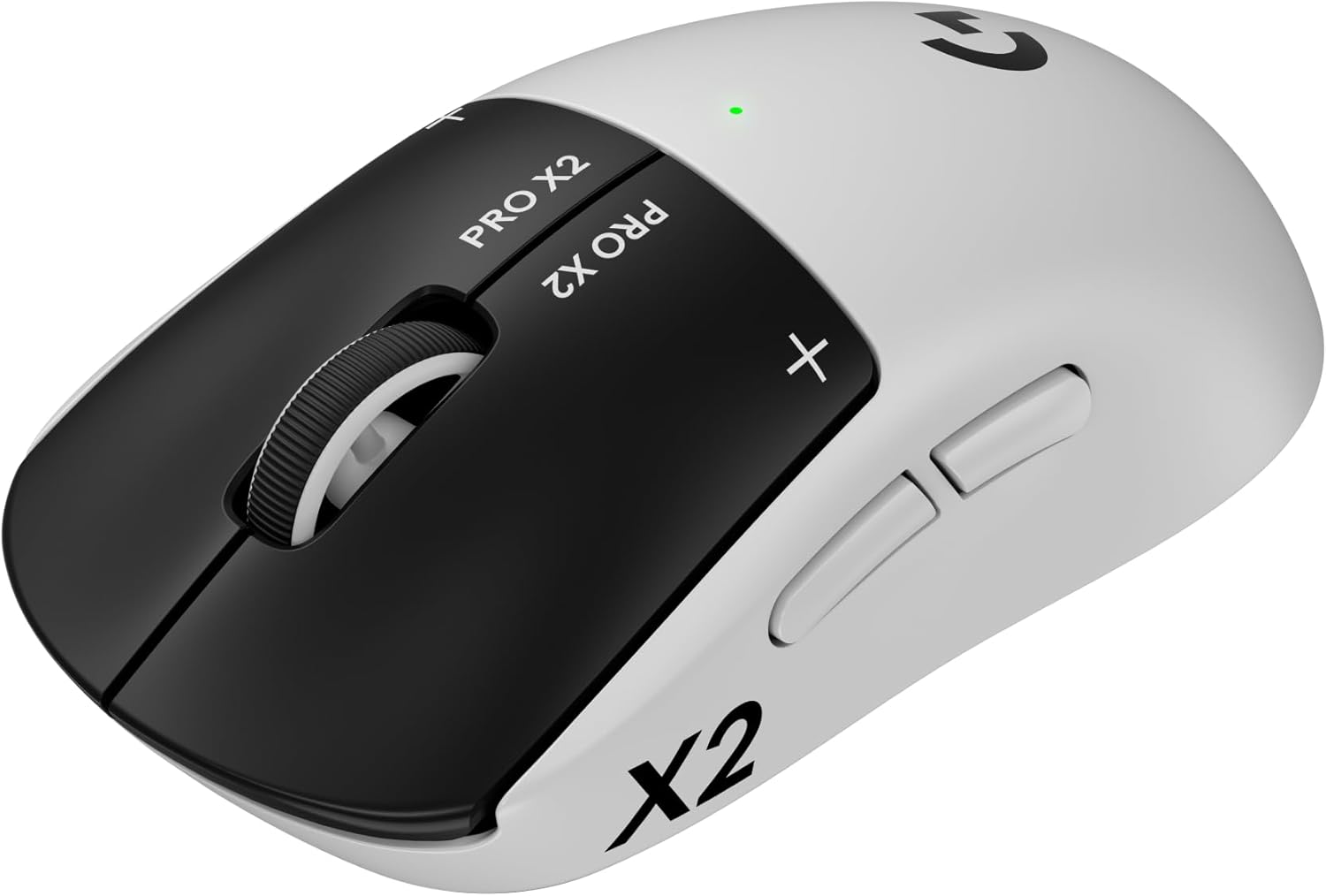
Logitech G PRO X2 Superstrike
TOP PICKWireless MouseLogitech's 2026 flagship. Superstrike inductive switches give near-instant, adjustable actuation with no mechanical bounce (a Guinness-record clicking speed), on a ~60g body with the Hero 2 sensor and LIGHTSPEED wireless.
$160
Buy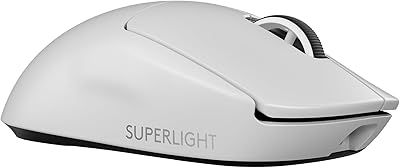
Logitech G PRO X Superlight 2
Wireless MouseThe esports default before the Superstrike arrived, and still the safest buy: 60g, Hero 2 sensor with 44K DPI, 8kHz polling and multi-day battery. Widely used on tournament stages.
$147
Buy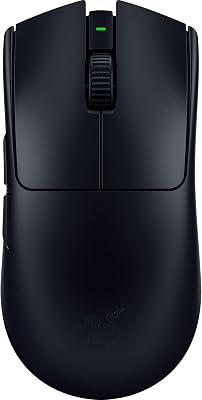
Razer Viper V3 Pro
Wireless MouseRazer's esports answer at 54g with a 35K DPI optical sensor and 8,000Hz polling. The symmetrical shape suits claw and fingertip grips better than the Logitech curve.
$159
Buy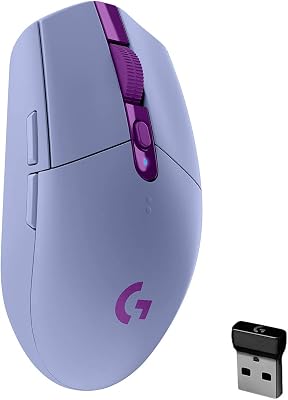
Logitech G305 Lightspeed
Wireless MouseThe budget benchmark: proper LIGHTSPEED wireless, a Hero 12K sensor, and up to 250 hours on a single AA battery. Nothing else near this price feels this reliable on stream.
$32
Buy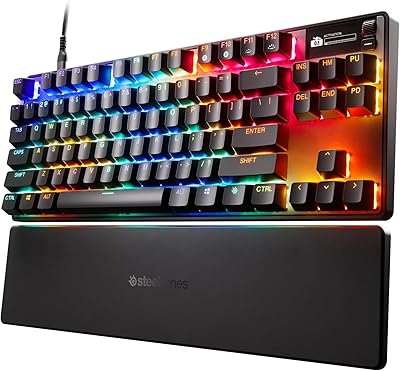
SteelSeries Apex Pro TKL Gen 3
TOP PICKKeyboardThe Hall-effect flagship. OmniPoint 3.0 analog magnetic switches let you set actuation depth per key and enable Rapid Trigger — and because there's no tactile click, they stay far quieter on a microphone than clicky mechanicals.
$190
Buy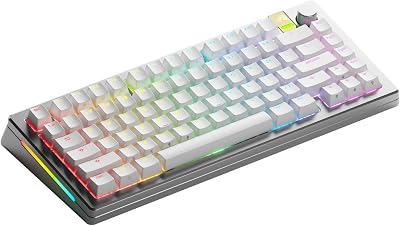
Glorious GMMK 3 PRO HE
Wireless KeyboardHall-effect performance in Glorious's fully modular aluminium body: Rapid Trigger, adjustable actuation, wireless, and swappable plates and mounting so you can tune it toward the quietest possible feel for broadcast.
$180
Buy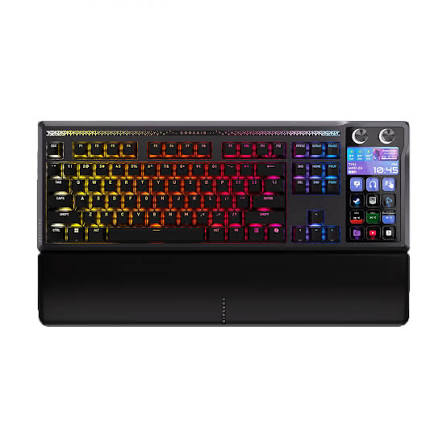
Corsair Galleon 100 SD
Keyboard + Stream DeckA full keyboard with Elgato Stream Deck LCD keys built in — scene switching, macros and audio control without a second device eating desk space. Cheaper than a premium keyboard plus a Stream Deck bought separately.
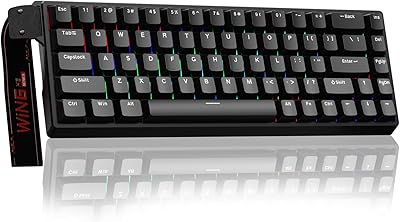
AULA WIN68 HE
KeyboardThe cheapest honest way into Hall-effect. A 60% magnetic-switch board with Rapid Trigger for roughly a third of the flagship price — build quality is a step below the big brands, but the switch technology and the quiet keypress are the real thing.
~$60
BuyQuick Comparison
| Product | Type | Price | Best For | Rating |
|---|---|---|---|---|
| Logitech G PRO X2 Superstrike | Wireless Mouse | $160 | Competitive gaming streamers | 5.0 |
| Logitech G PRO X Superlight 2 | Wireless Mouse | $147 | Safe all-round pick | 5.0 |
| Razer Viper V3 Pro | Wireless Mouse | $159 | Claw & fingertip grips | 4.5 |
| Logitech G305 Lightspeed | Wireless Mouse | $32 | Best budget mouse | 4.5 |
| SteelSeries Apex Pro TKL Gen 3 | Keyboard | $190 | Best keyboard overall | 5.0 |
| Glorious GMMK 3 PRO HE | Wireless Keyboard | $180 | Customizers & typists | 4.5 |
| Corsair Galleon 100 SD | Keyboard + Stream Deck | $199 | Streamers on small desks | 4.5 |
| AULA WIN68 HE | Keyboard | ~$60 | Cheapest Hall-effect | 4.0 |
Frequently Asked Questions
What keyboard do most streamers use?
Most full-time streamers have moved to magnetic Hall-effect boards such as the SteelSeries Apex Pro TKL Gen 3 or the Glorious GMMK 3 PRO HE. Two reasons: adjustable actuation with Rapid Trigger is a real advantage in shooters, and these switches are far quieter on a microphone than clicky mechanicals. Streamers on tight desks often pick the Corsair Galleon 100 SD instead, because the Stream Deck keys are built into the keyboard.
How do I stop my keyboard from being heard on stream?
Three fixes, in order of impact. First, use linear or Hall-effect switches instead of clicky ones (no tactile click means no click in your audio). Second, use a dynamic microphone like the Shure MV6 or MV7+ — dynamics reject off-axis desk noise far better than condensers. Third, position the mic above and angled down toward your mouth so the keyboard sits in its dead zone, and add a desk mat to absorb vibration.
Are Hall-effect (magnetic) keyboards better for gaming?
For competitive play, yes. Hall-effect switches read key travel as an analog signal, so you can set how deep a press has to be before it registers and enable Rapid Trigger, which resets the key the instant you lift. That means faster counter-strafing and repeat inputs. They also have no physical contact points to wear out, so they last longer than mechanical switches.
Do I need a wireless mouse for streaming?
You don't need it, but modern wireless is genuinely faster than old cables and removes cable drag, which matters over long sessions. LIGHTSPEED and HyperSpeed have no perceptible latency penalty. Wireless also keeps your desk clean, which matters if your desk is on camera. If budget is tight, the Logitech G305 gives you real wireless for around $40.
What is the best budget gaming mouse for streaming?
The Logitech G305 Lightspeed at around $32 — it's the cheapest mouse that still gives you proper low-latency wireless, a reliable Hero 12K sensor, and up to 250 hours from a single AA battery. Step up to the G PRO X Superlight 2 or Razer Viper V3 Pro only when you want the ultralight 54-60g shells the pros use.
Is a keyboard with a built-in Stream Deck worth it?
If desk space is limited, yes. The Corsair Galleon 100 SD puts Elgato's LCD keys directly in the keyboard, so you get scene switching, mic muting and macros without a separate controller — and it costs less than buying a premium keyboard and a Stream Deck separately. If you already own a Stream Deck or want the largest key count, keep them separate.
Related Gear Categories
Switch Choice Matters More for Streamers
A clicky Blue-switch keyboard sounds satisfying in a quiet room and terrible on a broadcast — every keystroke lands in your microphone and in the ears of every viewer. Linear switches, silent linears and magnetic Hall-effect switches remove the audible click entirely. Pair a quiet board with a dynamic microphone such as the Shure MV6 or MV7+ and your typing effectively disappears from the stream, even during action-heavy gameplay.
How to Choose a Mouse for Streaming
Weight and shape matter more than DPI numbers — anything above roughly 20,000 DPI is marketing. Aim for under 70g if you play shooters, and match the shape to your grip: the Logitech G PRO shells suit palm and relaxed claw grips, while Razer's Viper line fits claw and fingertip. Budget around $40 for a solid wireless entry (G305), $150–160 for the ultralight tournament models, and remember that a mouse you keep for four years costs less per stream than one webcam upgrade. See our full 2026 gear roundup for how peripherals fit alongside camera and audio upgrades.
As an Amazon Associate, Streamer.Guide earns from qualifying purchases. Prices and availability may vary.