Dual Monitor Setups for Streaming
Streamers use monitors differently to gamers: one screen plays the game, another holds OBS, chat and alerts. These are the displays worth buying in 2026 — 1440p OLED main panels, honest $130 second monitors for chat, colour-accurate screens for editing, and the ultrawide that replaces a dual setup entirely.
Prices and picks checked . Prices move — treat them as a guide, not a quote.
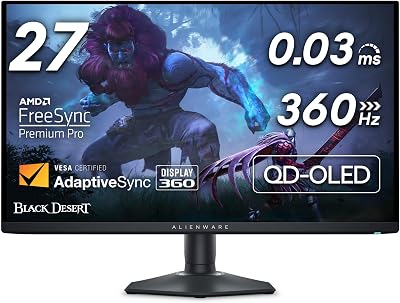
Alienware AW2725DF
TOP PICK26.7" QD-OLED1440p 360HzThe best main monitor for most streamers in 2026. QD-OLED contrast makes dark games look genuinely black on your own screen, 360Hz keeps competitive play sharp, and 27-inch 1440p is the resolution sweet spot for both gaming and OBS work.
$550
Buy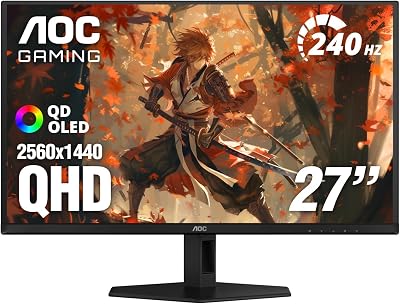
AOC Q27GAZD
27" QD-OLED1440p 240HzThe cheapest sensible way into 1440p QD-OLED. You give up refresh rate versus the Alienware, not panel technology — the same deep blacks and instant response, G-SYNC compatible, for meaningfully less money.
$400
Buy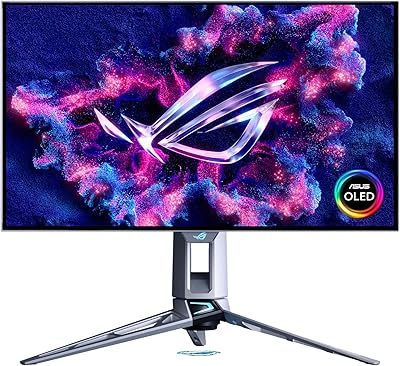
ASUS ROG PG27AQWP-W
27" Tandem OLED1440p 540HzThe performance ceiling for 1440p. Tandem OLED runs brighter and longer than standard panels, 540Hz is as fast as monitors get, and Dual Mode drops to 1080p at 720Hz for competitive shooters. Overkill unless you compete seriously.
$1,000
Buy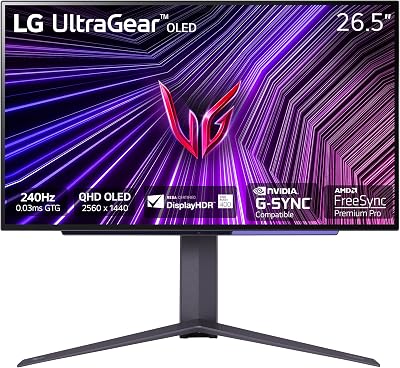
LG UltraGear 27GS95QE
27" WOLED1440p 240HzLG's WOLED alternative to the Samsung-panel crowd, with DisplayHDR True Black certification. The different sub-pixel layout renders text slightly differently to QD-OLED — worth comparing if this screen also holds your chat and OBS panels.
$700
Buy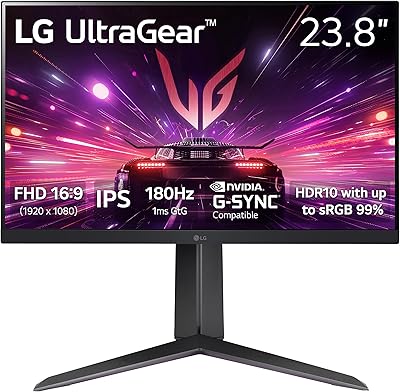
LG UltraGear 24GS65F-B
24" IPS1080p 180HzThe second monitor to buy. You do not need an expensive panel for chat, OBS, Discord and Spotify — you need a cheap, sharp IPS screen that gets those windows off your main display. Mount it in portrait to see far more chat at once.
$130
Buy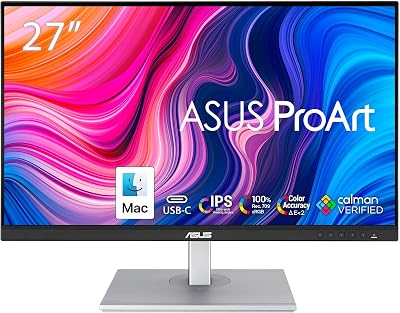
ASUS ProArt PA278CV
27" IPS Creator1440p 75HzCalman-verified colour accuracy with USB-C and a built-in hub. Not a gaming panel — buy it as the editing half of a dual setup so your thumbnails and edited VODs actually look the same on other people's screens.
$280
Buy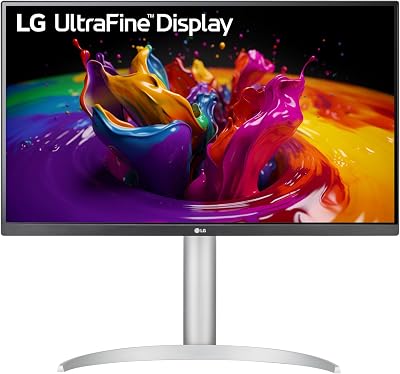
LG UltraFine 27UP850N-W
27" 4K IPS4K 60Hz4K for creators who edit more than they frag. The extra resolution gives you a full timeline plus preview window, VESA DisplayHDR 400, and 90W USB-C charging that turns a laptop editing setup into a one-cable dock.
$400
Buy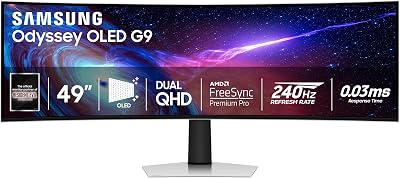
Samsung Odyssey OLED G9 (G93SC)
49" Ultrawide QD-OLEDDQHD 240HzOne screen instead of two. A 49-inch super-ultrawide fits your game, OBS, chat and Discord side by side with no bezel in the middle — the strongest single-monitor answer for streamers who hate a split desk.
$900
BuyQuick Comparison
| Product | Type | Resolution | Price | Best For | Rating |
|---|---|---|---|---|---|
| Alienware AW2725DF | 26.7" QD-OLED | 1440p 360Hz | $550 | Best overall main display | 5.0 |
| AOC Q27GAZD | 27" QD-OLED | 1440p 240Hz | $400 | Budget OLED | 4.5 |
| ASUS ROG PG27AQWP-W | 27" Tandem OLED | 1440p 540Hz | $1,000 | Competitive players | 5.0 |
| LG UltraGear 27GS95QE | 27" WOLED | 1440p 240Hz | $700 | Gaming + HDR | 4.5 |
| LG UltraGear 24GS65F-B | 24" IPS | 1080p 180Hz | $130 | Best second monitor | 4.5 |
| ASUS ProArt PA278CV | 27" IPS Creator | 1440p 75Hz | $280 | Editing & thumbnails | 4.5 |
| LG UltraFine 27UP850N-W | 27" 4K IPS | 4K 60Hz | $400 | 4K editing workflows | 4.5 |
| Samsung Odyssey OLED G9 (G93SC) | 49" Ultrawide QD-OLED | DQHD 240Hz | $900 | Single-screen multitasking | 4.5 |
Frequently Asked Questions
Do I need two monitors to stream?
You don't strictly need two, but it is the single biggest quality-of-life upgrade in a streaming setup. A second screen holds OBS, chat, alerts and Discord so your game stays fullscreen and undisturbed. It doesn't need to be expensive — a $130 1080p panel like the LG UltraGear 24GS65F-B does the job perfectly. The alternative is one very wide monitor such as the 49-inch Odyssey OLED G9, which fits everything on a single uninterrupted panel.
What monitor resolution is best for streaming?
1440p at 27 inches is the sweet spot. It's sharp enough for detailed games and gives you real desktop space for OBS, while staying far easier to drive at high frame rates than 4K — which matters because encoding a stream already costs you GPU headroom. Choose 4K only if you edit video seriously; choose 1080p only for a secondary chat monitor.
Is an OLED monitor a bad idea for streaming because of burn-in?
It's a real consideration, not a dealbreaker. Streamers keep static elements on screen for hours — OBS panels, chat windows, taskbars — which is exactly the pattern that risks OLED burn-in. Modern panels mitigate this with pixel shifting and refresh cycles, and manufacturers now include 3-year burn-in warranties. The safe setup is an OLED as the main gaming display and a cheap IPS panel for the static OBS and chat windows, which is what most pros run.
Does monitor refresh rate matter if I stream at 60fps?
Yes, because refresh rate affects what you see, not what viewers see. Your stream can output 60fps while you play at 240Hz — the smoother, lower-latency feel improves your own aim and reaction time. Viewers get the 60fps encode either way. So buy refresh rate for your gameplay, and set your stream output separately in OBS.
What is the best budget second monitor for chat and OBS?
The LG UltraGear 24GS65F-B at around $130. A chat monitor only needs to be sharp and colour-decent, so spending more is wasted money that belongs in your microphone or lighting budget. Mount it vertically if desk space is tight — a portrait-orientation screen shows far more chat messages at once.
Should I get an ultrawide instead of a dual monitor setup?
An ultrawide gives you a continuous workspace with no bezel through the middle, which is nicer for arranging OBS next to gameplay. The downsides are cost and that some games letterbox or handle ultrawide aspect ratios badly, and your captured game view needs cropping for a standard 16:9 stream. Two separate monitors remain the cheaper and more flexible option; ultrawide is a premium convenience.
Related Gear Categories
How to Build a Streaming Monitor Setup
The proven layout is one good main display plus one cheap secondary. Put the game on a 27-inch 1440p high-refresh panel in front of you, and push OBS, chat, alerts and Discord onto a $130 1080p screen beside it — ideally rotated to portrait, which shows far more chat at once. That split also protects an OLED main panel, because the static interface elements that cause burn-in live on the cheap IPS screen instead. Budget roughly $400–600 for the main monitor and $130 for the second.
Resolution vs Encoding Headroom
Remember that your GPU is doing two jobs at once: rendering your game and encoding the stream. Pushing 4K at high frame rates eats the headroom your encoder needs, which shows up as dropped frames for viewers. 1440p keeps both comfortable. If your encoder is already struggling, our bitrate & encoder cheat sheet covers the settings to fix it, and the PC components guide explains when a GPU or dedicated encoder upgrade is the real answer.
As an Amazon Associate, Streamer.Guide earns from qualifying purchases. Prices and availability may vary.